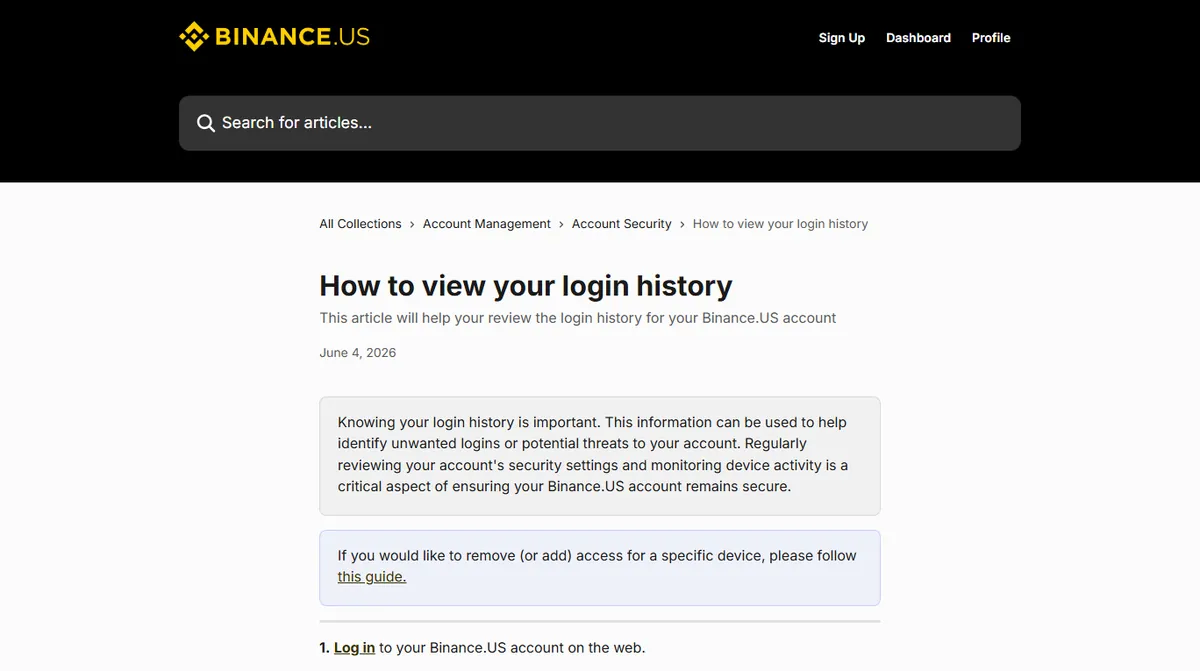
Go and find this page now, while nothing is wrong. On most exchanges it sits under Security or Account settings, listed as device management, login history, recent activity or account activity — if the security page has a section about devices, that is the one. Spend five minutes on it. You are not looking for anything; you are building a baseline, so that a strange entry later has something to be strange against.
Here is what is on it and how to read each part.
Which devices are signed in to your account
Devices that currently hold a valid session. Each row typically shows a device type, a browser or app, a rough location and a last-active time.
Three things regularly look alarming and are not. Location drift — a city thirty miles from where you live is usually your internet provider's routing, not an intruder. Duplicate entries for the same phone — clearing app data, updating the operating system or reinstalling often creates a new device record. A browser you do not recognise by name — many browsers report themselves as something else, and a session from "Chrome" on a machine where you use Edge is usually the same underlying engine.
What is worth acting on: a device type you do not own, a session in a country you have not been in, or activity at a time you were demonstrably asleep. Any one of those justifies revoking every session and changing the password.
Reading the login history, failed attempts included
A longer history, including attempts that failed. This is more useful than the device list because it shows the pressure on the account, not just its current state.
Failed attempts from unfamiliar places are common and, in isolation, mostly noise — credential lists get sprayed at every exchange continuously. The pattern that matters is failures followed by a success. That sequence says somebody kept trying until one attempt worked, which has only two explanations: you mistyping, or someone else guessing.
Also note what a successful entry says about the method. If your account shows a successful login verified by text message on a day you used your authenticator app, that is worth a second look, and it is an argument for removing the weaker method entirely — see the comparison of second factors.
Checking security changes: new addresses, API keys and email changes
The least read and most valuable of the three. Some platforms fold it into the login history; others keep a separate record of security events.
The entries to care about are the ones that change what is possible rather than what is happening:
- A new withdrawal address added to the allowlist
- A change to the waiting period, or the allowlist being disabled
- A new API key created — a rogue key is one of the clearest signs of intrusion, and is covered in the API permissions piece
- A verification method added or removed
- The email address or phone number on the account being changed
That last one is the point of no return. If the email on the account changes without you doing it, the recovery path has been taken and this becomes an emergency rather than an investigation. Go straight to the first-hour sequence.
The logs tell you what happened, not who. Do not try to work out identity from the location field — it is derived from an address that a proxy changes for a few pence. Use the record to decide what to revoke, not to build a theory.
What login history cannot tell you
Three limits worth knowing before you put too much weight on this page, because people regularly draw conclusions from it that it does not support.
It is not real time, and it is not complete. Entries can appear with a delay, and what gets logged varies between platforms. An absence of anything strange is weak evidence, not proof. Combine it with the things that leave a harder trace: the withdrawal address list, the API keys, the verification methods.
The location is a guess. It is derived from a network address, and that address is whatever a proxy, a corporate network or a mobile operator's routing makes it. A login from another country might be somebody else, or might be you with a privacy tool switched on. Use it as a prompt to look further, never as a conclusion.
It says nothing about how. The record shows a successful login. It does not distinguish between a stolen password, a hijacked session and somebody sitting at your unlocked laptop. That matters because the response is different in each case, and working out which is a question for the withdrawal and key lists rather than for the login history.
A five-minute monthly account security check
Once a month, or after anything that felt off, do this in order. It takes less time than reading about it.
- Open the device list and revoke everything you are not actively using. Signing back in is cheap.
- Scan the login record for a success from anywhere unusual. Not failures — successes.
- Open the API key list and confirm it matches what you expect, which for most people is nothing.
- Open the withdrawal address list and read the labels. An address you do not recognise is the one finding that should ruin your afternoon.
- Confirm the email and phone number on the account are still yours.
Nothing in that list requires judgement, which is why it works when you are tired. If any of the five comes back wrong, stop doing the routine and start doing the response.
Menu names differ between exchanges, so the steps above describe what to look for rather than an exact path on one platform. The one thing worth checking against your own account: whether security events are logged separately from logins, since on some platforms the account-change record is the part that has to be found deliberately.