Start with the answer, because most people arrive here wanting one sentence: use an authenticator app, add a passkey, and stop using text messages for anything that protects money. If you hold enough that a loss would genuinely hurt, add a hardware key as well and register two of them.
Now the reasoning, which matters because the four options resist different things and the marketing tends to flatten them into a single ladder.
| Method | Stops a SIM swap | Stops a phishing site | Survives a lost phone | Cost |
|---|---|---|---|---|
| Text message code | No | No | Yes, number can be reissued | Free |
| Authenticator app | Yes | No | Only if you saved recovery material | Free |
| Passkey | Yes | Yes | Depends where it is synced | Free |
| Hardware security key | Yes | Yes | Yes, if you registered a second key | Paid device |
Why SMS 2FA is the weakest option
A code sent by text is not tied to a device you own. It is tied to a phone number, and a phone number is an account with a mobile operator that can be reassigned by a member of staff who has been given a convincing story. That is the entire SIM swap attack, and it has been used against crypto holders for years precisely because so many accounts still accept it.
There is a narrower problem as well. Codes sent by text arrive on the lock screen. If your phone shows message previews when locked, anyone who can see the screen can read the code without unlocking anything.
Keep the number on the account for alerts if the exchange requires it. Just make sure it is not an accepted way to log in or to change security settings once something stronger is enrolled. What a number can still unlock goes through how to check that.
Authenticator app 2FA: the right default for most accounts
An authenticator app holds a shared secret and turns it into a six-digit code every thirty seconds. Nothing is transmitted, so there is no message to intercept and no operator to social-engineer. It works offline, on a plane, on a phone with no SIM card in it.
Its weakness is specific and worth saying plainly: it does not know which website you are on. If a convincing copy of the exchange asks you for a code, the app will happily produce one and you will type it into the wrong place. Authenticator codes stop remote guessing and SIM swaps. They do not stop a person who is looking at a page that looks right, and a code handed over that way is spent the moment it is used.
Its other weakness is recoverability. The secret lives on one device. Replace or lose that device without having exported the secret or saved the backup codes, and you are in an identity-verification process with the exchange that is measured in days. That is a solvable problem and the solution takes two minutes at setup time, which is the whole argument for doing it then.
Exchanges increasingly ship their own authenticator app alongside support for generic ones. Binance's help centre documents its in-house app for this purpose. Using the exchange's own app is fine; using a general-purpose one is also fine and has the advantage that all your accounts live in one place. What matters is that you can get the secret back if the phone dies.
Passkeys are different in kind, not in degree.
Passkeys: the 2FA option that resists phishing
A passkey is a key pair. The private half stays on your device or in your password manager, and signing in means proving you hold it. The important property is that the signature is bound to the website's real domain. A lookalike domain cannot collect anything usable, because the passkey simply will not sign for it.
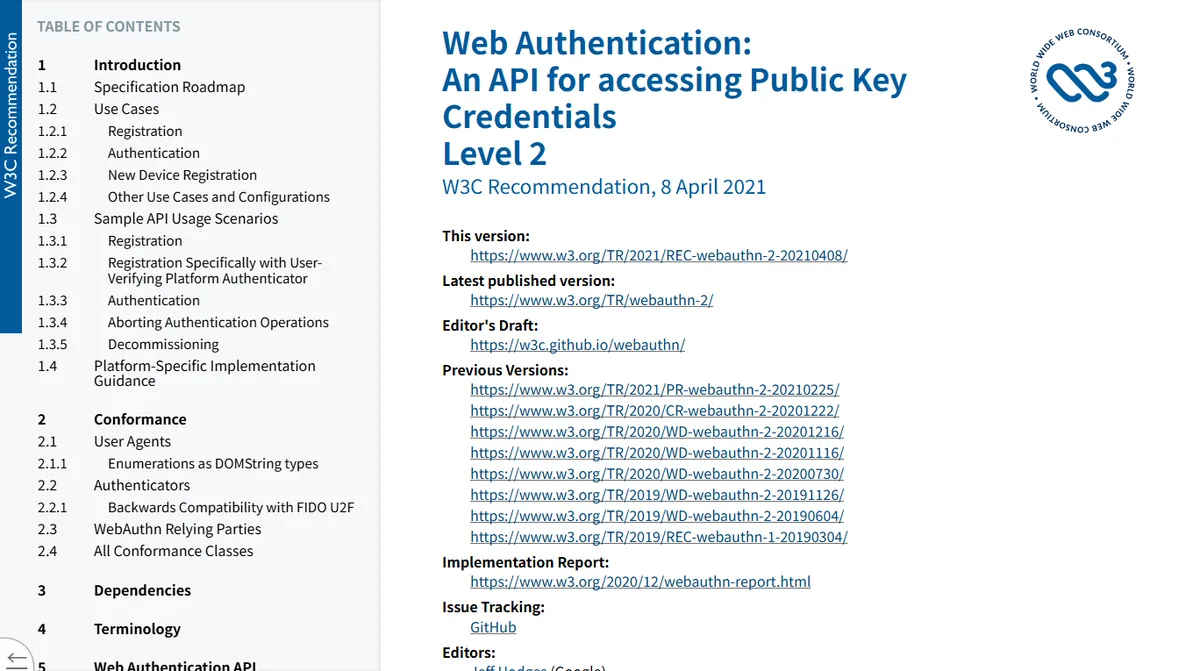
That is not a vendor claim, it is how the standard is written. The W3C Web Authentication specification ties each credential to a relying party identifier — in practice, the site's domain — and the browser will not release a signature to any other origin. Which is why this one property cannot be eroded by a more convincing copy of the login page: there is nothing for the copy to ask for.
That is a genuinely different class of protection from a six-digit code, and it is why the exchanges have been pushing them. When we read the support-centre page on two-factor authentication in September 2026, nearly every article in the related list beside it was about passkeys — creating one, verifying with one, and a "must verify using passkey" setting.
Two honest caveats. Where the passkey lives determines what happens if you lose the device: one synced through a platform account is recoverable but inherits that account's security, while one stored only on a single phone does not survive the phone. And passkey support across exchanges is still uneven enough that you should not rely on it being available everywhere you have an account.
Hardware security keys: why you should register two
A hardware security key gives you the phishing resistance of a passkey on a separate physical object that does not sync anywhere. For a large balance it is the strongest ordinary option available, and cheap relative to what it protects.
The mistake is registering exactly one. A key is a small piece of plastic. It goes through washing machines, gets left in hotel rooms, and disappears during house moves. If it is the only method on the account, the day it goes missing is the day you start a recovery case. Register two and keep the second somewhere else entirely — a drawer at a relative's house is not a sophisticated security architecture, but it works.
This is not one platform's quirk. Kraken's own two-factor documentation, read on 3 October 2026, sets two-factor up separately for each action — signing in, trading, funding — and says each one has to be set up on its own. A method protecting your sign-in does not by that fact protect your withdrawals. Wherever you hold an account, check every place a method can be required, not only the login.
Whatever you choose, the setting that matters as much as the method is which methods the account will accept. An account that has a hardware key registered but still allows a text-message code as a fallback is protected to the strength of the text message. Look for the list of enabled verification methods and remove the weak ones after the strong one is confirmed working.
How to turn on 2FA on an exchange account, and the step people miss
Deciding is the easy half. The enrolment sits in the same place on every exchange, under account settings rather than anywhere near the trading screen. On Binance, in the app: tap the Account icon, tap the profile section at the top, and open Security. On the website: profile icon, then Account, then Security. Every method on this page is enrolled from that one screen.
- Install the app or have the key to hand first. The enrolment screen shows a QR code with a timer on it; that is a bad moment to start browsing an app store.
- Enrol the method and confirm it works by signing out and back in. Six digits on screen only proves the app is running, not that the server still recognises it.
- Save the recovery material the enrolment offers you, somewhere that is not the phone you just enrolled. Skip it and a lost phone stops being an inconvenience and becomes a support case with no deadline.
- Go back and remove the weaker methods. Adding a strong one does not switch off the old one, and they are almost always two separate settings.
Step four is the one people miss. It decides whether any of the rest worked. An account with a hardware key enrolled and text messages still accepted is protected to the strength of the text message, because an attacker picks which door to try.
Why the strongest 2FA is not always the best choice
Security writing loves a ranking, and a ranking is exactly the wrong shape for this decision, because these methods differ on two axes rather than one.
The first axis is resistance: how hard it is for somebody remote to get past. On that axis the order really is text message, then authenticator app, then passkey and hardware key roughly level. The second axis is recoverability: what happens to you when the thing is lost. There the order is almost reversed. A phone number can be reissued by your operator in an afternoon. An authenticator secret can be restored from backup codes. A single hardware key that has gone missing leaves you with whatever fallback you remembered to register — and if the answer is none, with a multi-day identity process.
The reason the two axes matter is that the loss you are most likely to suffer is not an attack. Phones get replaced, dropped and stolen constantly. Attackers turn up rarely. Optimising purely for resistance while ignoring recoverability means you have hardened yourself against the unlikely event and left yourself exposed to the likely one.
Which leads to the practical rule that most comparison pages never state: two methods, of different kinds. Not two authenticator apps, and not two of anything that lives on the same device. A strong primary and an independent fallback, so that neither an attack nor an accident takes you out.
There is a version of this that people get wrong in the other direction, and it is worth naming. Registering several methods and leaving the weakest one enabled gives you the recoverability of the strongest and the resistance of the weakest, because an attacker chooses which door to try. The fallback should be something you can reach and an attacker cannot — backup codes on paper qualify, a text message does not.
Which 2FA to choose for your situation
New account, modest balance, one phone
Authenticator app, backup codes written down and stored away from the phone, text messages disabled as a login method. Add a passkey if the exchange offers it. This covers the attacks that happen at scale.
You get phishing attempts regularly
Prioritise the passkey, because it is the only option here that refuses to work on the wrong domain. Keep the authenticator app as the fallback so a lost device does not lock you out.
Balance large enough to change your year
Two hardware keys, an authenticator app as third factor, and the withdrawal controls turned all the way up. At this point the account should also be doing one job only — see the argument for splitting holding and trading accounts in the settings guide.
You share devices, or travel with minimal luggage
An authenticator app on a phone you always have, plus backup codes carried separately from the phone. Avoid making a single laptop the only thing that can authorise anything.
One last thing, left out of most comparison articles. The second factor only protects the login. It does nothing about what happens after a session is already open — a hijacked session, a stolen API key or a device you left signed in somewhere. That side of the account is governed by withdrawal settings, and it is worth reading what the allowlist and its waiting period actually buy you before deciding you are finished.
The passkey and authenticator details above were read from the exchange's own help page on two-factor authentication in September 2026, including the related-article list shown beside it. Which methods a given exchange accepts changes over time; check your own account's security page rather than assuming the table above still matches it.