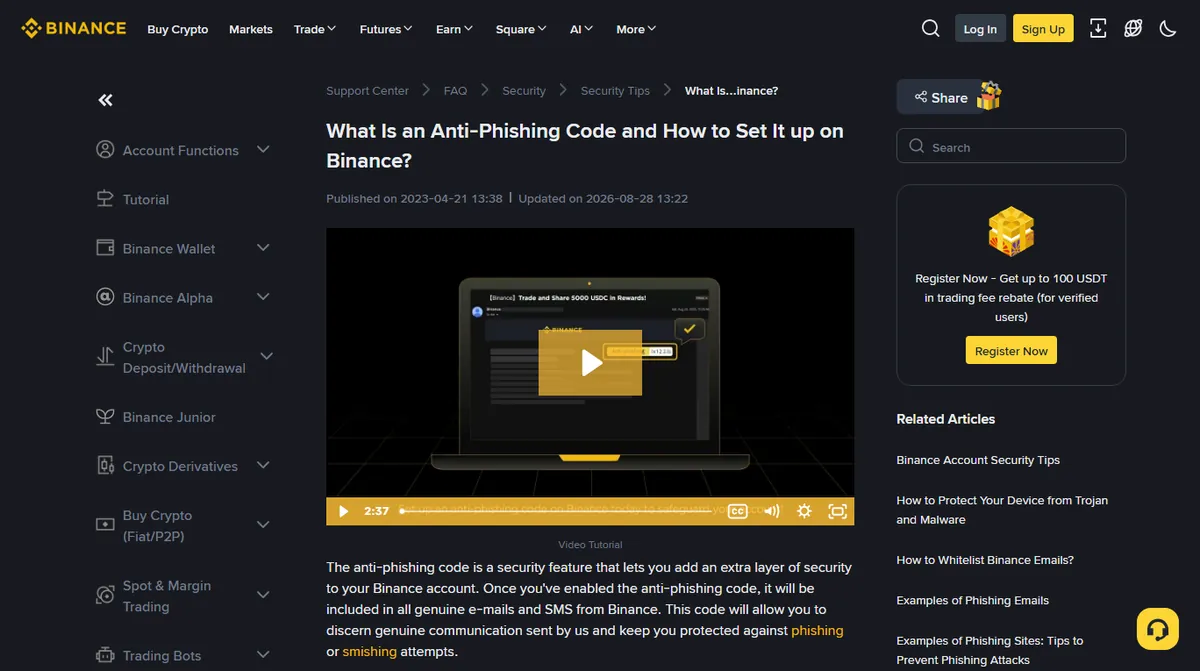
It takes about ninety seconds to set up and it costs nothing, so the recommendation is easy: do it. The rest of this piece is about the part that matters more, which is knowing exactly how far the guarantee extends.
The guarantee is narrower than the way people repeat it, in both directions.
A missing code means do not act on the message. Strong signal, not proof. It is a commitment made by the platform that issued your code, so it says nothing about a message claiming to come from some other exchange, and a provider can be inconsistent across message types. Treat the absence as a reason to stop, not as a verdict you act on from inside the message.
A correct code is the best available evidence that the message came from the platform. That is all it is. It says nothing about whether the thing the message describes is safe, or whether you were the one who started it. A withdrawal confirmation carrying your correct code is a real message about a real withdrawal, and whose withdrawal it was is a question the code does not touch.
Either way the next move is the same, and it does not involve the message: open the account by typing the address yourself, and look.
Setting the code: length and character rules
On Binance the path is written down rather than guessed at. In the app: the menu icon, then your profile to open the account information screen, then Security, then Anti-Phishing Code, then Create. On the website: hover the profile icon, choose Account, open Security, scroll to Advanced Security, and click Enable next to Anti-Phishing Code. Other exchanges bury it in the same general area, under security or additional protection.
The constraints on the code itself are tighter than people expect.
On Binance, reading its own page on the feature in September 2026 — the page showed an update date of 28 August 2026 — the code must be six to eight characters long and must use at least three of the four permitted types: uppercase letters, lowercase letters, digits, and underscores. Other special characters are rejected. Setting or changing it requires verification with your second factor or a passkey.
Choose something you would recognise at a glance in a message you are skimming on a phone, and something you would never type into a login form. Two unrelated words joined with an underscore is a good shape. Do not use part of a password, a pet name that appears on your public social accounts, or anything so generic that you would not notice its absence.
One practical note: change it if you ever suspect the account has been accessed, for the same reason you would change a password. And check what it looks like in a real message once, so you know where in the email it appears.
Now the limits, which is where people actually come unstuck.
Three scams an anti-phishing code does not protect against
A fake website
The code lives in messages. A search advertisement leading to a convincing copy of the login page never sends you an email, so there is no code to be missing. Domain checking and a phishing-resistant second factor cover this case; the anti-phishing code does not.
A phone call or a chat message
Someone calling you, or messaging on a social platform, is outside the channel the code covers. If a caller recites your anti-phishing code back to you, that is a serious signal that your account or your inbox has been read — not reassurance.
A genuine message about something bad
A withdrawal confirmation carrying your correct code is a real message about a real withdrawal. If you did not start it, the code being right is the least important fact in the email. That is the moment to go to the first-hour response.
Where scammers go once you set an anti-phishing code
Understanding this is what separates using the feature from merely switching it on. A protection that closes one channel does not reduce the number of people trying; it moves them.
Once a code is set, forged email stops working on you. So the approach shifts to channels the code was never in: a phone call, a message on a social platform, a search advertisement above the real result, a fake support account replying to something you posted. None of those carry an anti-phishing code, none of them can, and none of them are defective for lacking one. If your mental model is "I check for my code, so I am covered", the shift has already worked — you are applying a check that the new channel does not participate in.
There is a sharper version of this worth naming. If somebody contacts you and recites your anti-phishing code back to you, the instinct is relief: only the exchange knows that. Resist it. There are two ways they could know, and both are worse than the message being fake — either they are reading your inbox, or they are inside the account where the code is displayed. A caller who knows your code is not proof of legitimacy. It is evidence of a compromise you had not noticed, and the correct response is to end the call and go and look at the account.
Changing it, and when
Treat it like a password in one specific respect: if you suspect the account or the inbox has been read, change the code as part of the cleanup. Unlike a password, though, there is no reason to rotate it on a schedule — a code that never leaks never needs replacing, and changing it frequently just means you stop recognising it at a glance, which is the entire point of having one.
One small operational detail. After you change it, the next few messages are the ones to read carefully. People have talked themselves into ignoring a missing code on the grounds that they "just changed it and maybe it hasn't updated". Binance's page describes the new code as applying to its genuine messages as soon as you have confirmed the change, and that particular excuse has a way of arriving at a convenient moment.
How to check for your anti-phishing code in every email
The habit is simple and it survives being tired: look for the code before you read the message. Not after. The order matters because a well-written phishing email creates urgency in the first line, and urgency is what stops people checking.
If the code is missing, do not reply, do not click and do not forward it to a friend for an opinion. Delete it, or report it through the exchange's own reporting page if you reach that page by typing the address yourself.
If the code is present and the message asks you to do something, do the thing from the site rather than from the message. Open a new tab, go to the exchange directly, and look for the same notification inside the account. This single habit makes almost the entire category of message-based attacks irrelevant, and it costs about ten seconds.
For messages where you want a more structured check — headers, sender domain, the link under the link — the one-minute verification covers it step by step, and the scam message checker walks the branches if you would rather answer questions than remember rules.
Character rules and the setup path above come from the exchange's own help page on anti-phishing codes, read in September 2026 and re-read on 3 October 2026, where the page reported itself as last updated on 28 August 2026 and said the code is included in all genuine emails and SMS from Binance. Other exchanges implement the same idea with different length and character rules, so check yours. We have not seen every message type the code appears in, so treat its placement as something to confirm on your first genuine notification.
Picking a code, and a right code that still feels wrong
What should I choose as my anti-phishing code?
Something that jumps out at you, and that you would never be tempted to type anywhere. Avoid anything guessable from your public life, and avoid parts of passwords. Two unrelated words joined by an underscore works well where underscores are permitted.
An email has the right code but still feels wrong. What now?
Treat the code as evidence about where the message came from, not as an instruction to obey it. Genuine notifications still do not ask for passwords or verification codes. If it asks you to act, go to the site yourself rather than through the message.