Start by working out which code you are waiting for, because the checks differ. Then go in this order: the address or number you typed, the spam and trash folders, SMS coverage and blockers on your phone, and how many times you pressed Get Code. Binance suggests waiting ten minutes before trying again, because heavy network traffic delays codes and asking too often can lock the account.
The one thing not to do is reach for a quick fix that puts someone else between you and your codes: a borrowed phone, a rented virtual number, or a “support agent” who offers to receive the code for you.
The checks, in order
- Is the email or phone number exactly what you meant to type, country code included?
- Email: spam, junk and trash, and the right inbox open on your device.
- SMS: signal, then anything on the phone that blocks unknown senders, then a restart.
- Did you press Get Code? Wait ten minutes, then ask once more.
- Still nothing: switch to the other method, email or voice, or reset it.
Which code are you waiting for?
- A sign-up email code confirms the address you are registering with.
- A sign-up SMS code confirms a phone number, if you registered with one.
- A login or 2FA code (the second check after your password) by email or SMS, on an account that already exists.
- A withdrawal or security-change code, sent while you are signed in.
If you are not signing up and not trying to log in, and a code arrived anyway, that is a different situation: see a Binance code you did not request.
Check the address or number you typed
The most common reason a sign-up code never arrives is that it went exactly where it was told to go, to an address with one letter wrong or a number missing its country code. Look at the registration screen again before anything else.
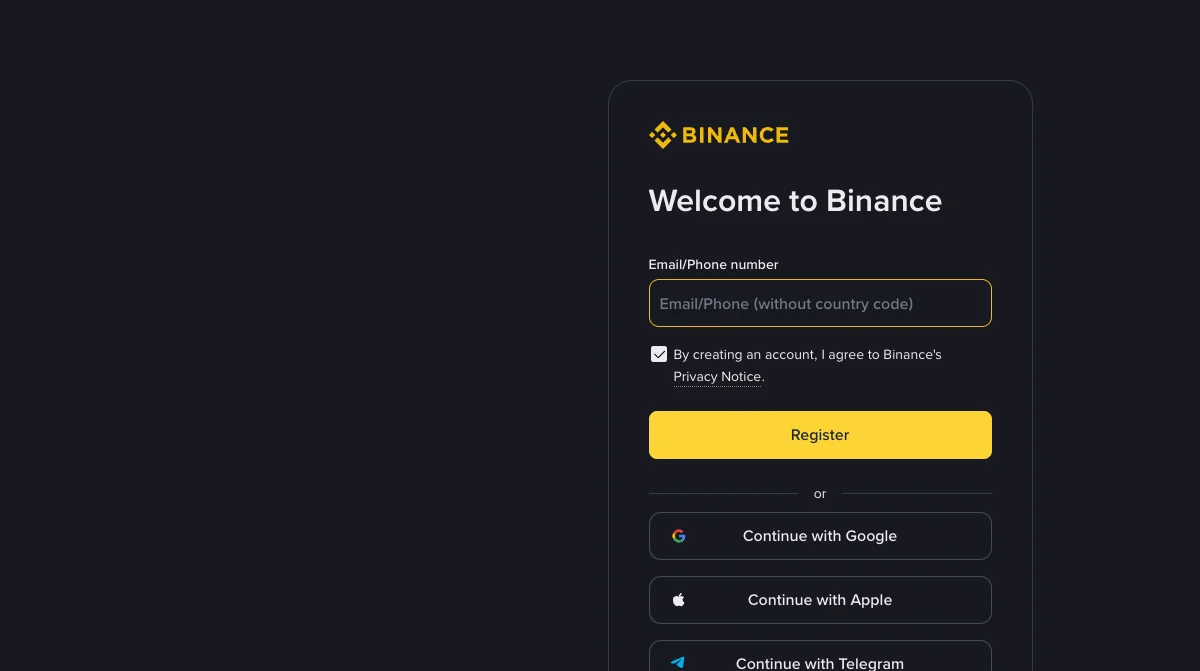
Binance’s page on missing emails lists this check too, for existing accounts: under Security, make sure the email address shown is the one you are checking. It also points out that you may simply be logged out of that mailbox on your device.
If you are still at the start and want the whole order of sign-up, verification and security settings in one place, it is in the registration step of our Binance guide. On a phone, the guide’s order is to register on the web first using the button on that page, then install the app and log in.
Email codes: where they go missing
From Binance’s page on missing emails, in its order:
- Spam and junk. If your provider files Binance mail there, mark it as safe. Binance’s 2FA page adds the trash folder, because some providers delete code emails outright.
- Firewall or antivirus. Security software can block or hold mail.
- A full inbox. A mailbox at its limit cannot receive anything.
- The provider. Binance recommends registering with common email domains such as Gmail or Outlook.
- Apple’s Hide My Email. If you signed up with an Apple ID using Hide My Email, codes may be forwarded to the Apple ID’s own address, not the one on your profile. Your Apple settings, under Sign-In & Security, show which.
SMS codes: coverage, blockers and voice
Binance says its SMS coverage does not include every country and region, and publishes a coverage list. If yours is not on it, it recommends a passkey, its own authenticator or Google Authenticator as your main 2FA instead of SMS.
If your country is covered and codes still do not arrive, Binance’s steps are: make sure the phone has good signal; disable anti-virus, firewall or call-blocker apps that might block Binance’s SMS number; restart the phone; try voice verification instead; or reset SMS authentication.
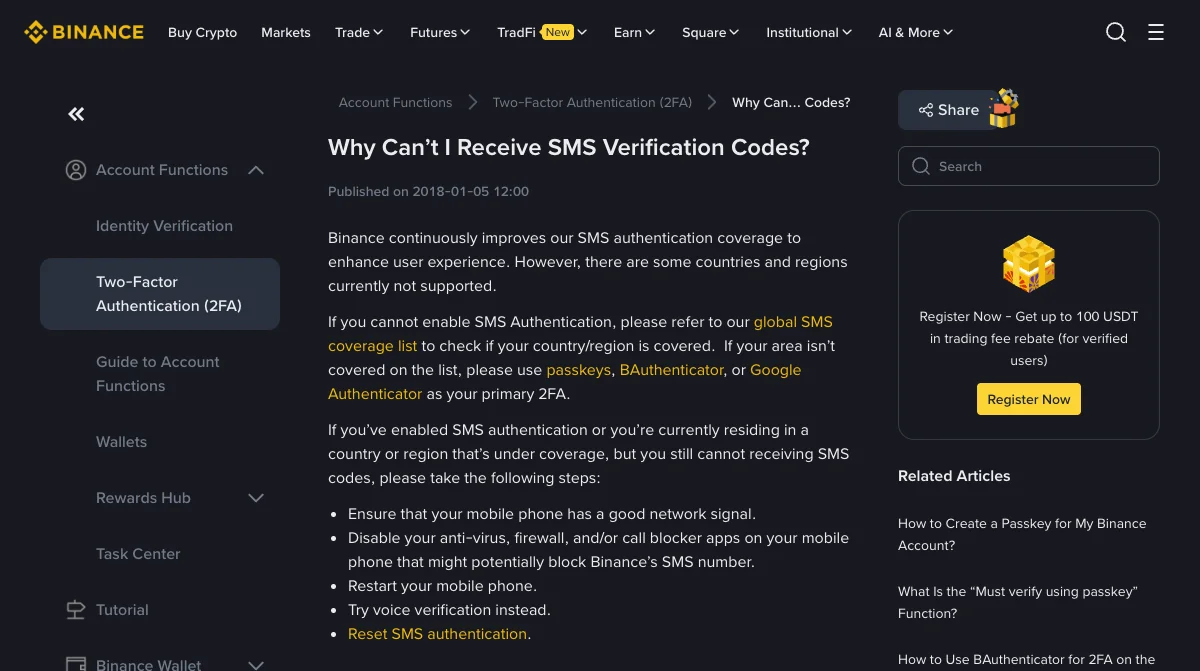
Too many requests, and other error messages
Binance’s 2FA page says to make sure you actually pressed Get Code, then to try again in 10 minutes, and warns that requesting codes too frequently in a short period might lock your account. If a code arrives but shows “Wrong code”, request a new one, try a different device (a browser on a computer instead of the app, or the other way round), or switch networks, for example from Wi-Fi to mobile data.
The shortcuts not to take
- No rented, virtual or borrowed numbers. Whoever can read that number can receive your login and reset codes for as long as the account exists. Numbers from code-receiving websites are shared by design. The SIM swap guide explains why the number on an account matters long after sign-up.
- No one else’s phone. A friend’s or family member’s number ties your account to their phone, and to whoever has that number after them.
- Never read a code out to anyone. Someone who offers to “receive the code for you” or asks you to read it out is not support. What a code can unlock is worth knowing before you need it.
Once you are in, make SMS a backup at most. An authenticator app (a phone app that makes the codes itself) or a passkey (a sign-in you approve with your device’s fingerprint, face or PIN) does not depend on coverage, signal or a phone number, which removes this whole problem next time.
Binance pages read on 15 November 2026: Why Can't I Receive Emails from Binance?, Why Can't I Receive SMS Verification Codes? and How to Resolve 2FA Code Error for My Binance Account? (published 10 December 2024). The two older pages were first published in 2018 and are still live in the help centre. Only checks that appear on those pages are listed as Binance's.
Still no code?
Why am I not receiving my Binance verification code?
The usual causes, in the order Binance's pages suggest checking them: the email or phone number on the account is not the one you are looking at, the email went to spam or trash, SMS does not cover your country or something on the phone blocks it, or network traffic delayed it. Requesting codes too often can also lock the account for a while.
How long should I wait before asking for another code?
Binance suggests trying again in 10 minutes, because high network traffic can delay codes, and warns that requesting codes too frequently in a short time might lock your account. One retry after ten minutes is better than five in a row.
Can I use a virtual number or a code-receiving website to sign up?
Do not. Anyone else who can read that number can receive your codes and reset your account later, and the number may be recycled to a stranger. Use a number you control for the long term, or sign up by email and add an authenticator app or passkey as your second factor.
Binance says SMS is not available in my country. What now?
Binance publishes an SMS coverage list. If your country is not on it, Binance recommends using a passkey, its own authenticator or Google Authenticator as your main 2FA instead. Signing up with an email address avoids the SMS step at registration.