If you have five minutes and no patience for reading: sign in to the account yourself, from a device that was not part of the call. Sign out of all sessions. Change the password. Then check three lists — withdrawal addresses, API keys, and registered verification methods — and remove anything you did not put there. Check those lists even if the balance looks untouched.
The balance is the last thing to change, not the first.
Here is the part that catches people. A verification code is not a general-purpose key. Each one is issued for a specific action, and the action it was issued for is usually visible in the message that delivered it — the line most people skim past while somebody on the phone is talking over them.
So the first job is not to panic about the money. It is to work out what the code was for, because the answer changes what you do next and how much time you have.
Step one: what did the code actually authorise?
Go back and read the original message. The text of a verification code almost always names its purpose. Match it to one of these.
A login from a new device
They now hold a live session on your account. Serious, but the most recoverable case: a session can be revoked, and revoking it puts them back outside. Move quickly and the damage may end here.
A password reset
They may now own the account outright, and your own password may no longer work. If you can still sign in, do everything below immediately. If you cannot, you are in account recovery — state C of the first-hour sequence.
A withdrawal, or adding a withdrawal address
The most expensive case and the most time-sensitive. Go straight to the withdrawal section below.
A change to security settings or a new API key
Quiet and easy to miss, and often the real goal. A planted address or key outlives the phone call and pays out days later, after you have relaxed.
You cannot find the message, or there was more than one
Assume all of the above and work through the full checklist. More than one code means more than one action was authorised.
Step two: the next ten minutes, in order
Use a device that was not involved in the call, if you have one. If they talked you through installing anything, or asked you to share your screen, that device is not trustworthy and everything below should happen somewhere else.
- Sign in to the account yourself. Type the address or use your own bookmark. Not a link they sent, not a search result.
- Screenshot the login history and device list, then sign out of all devices and sessions. Signing out removes them from the account; the screenshots keep the record that signing out clears.
- Change the password to something generated. If they had the old one, they had it before the call started.
- Open the withdrawal address list. Remove anything you did not add yourself. This is where the loss gets set up.
- Open the API key list. Delete anything you cannot account for. Changing the password does not switch a key off.
- Open the verification methods. A phone number, email address or second factor you do not recognise means they intend to come back.
- Check the email account on the exchange account too. If the same conversation got a code out of you for the inbox, everything above can be undone from there.
Steps four, five and six are easy to skip, because nothing on the balance screen has changed and the crisis feels over. The account's own activity log will show which of these were touched, which is why step two starts with the screenshots.
Do not call them back, and do not answer if they ring again. The second call is scripted too: it will be an apology, a supervisor, or a warning that your first action has made things worse. Its purpose is to get you to undo what you just did. Anything genuine from the exchange will be in the account when you log in yourself.
If the code authorised a withdrawal
This is the case where minutes matter, and also the case where you may have more time than you assume.
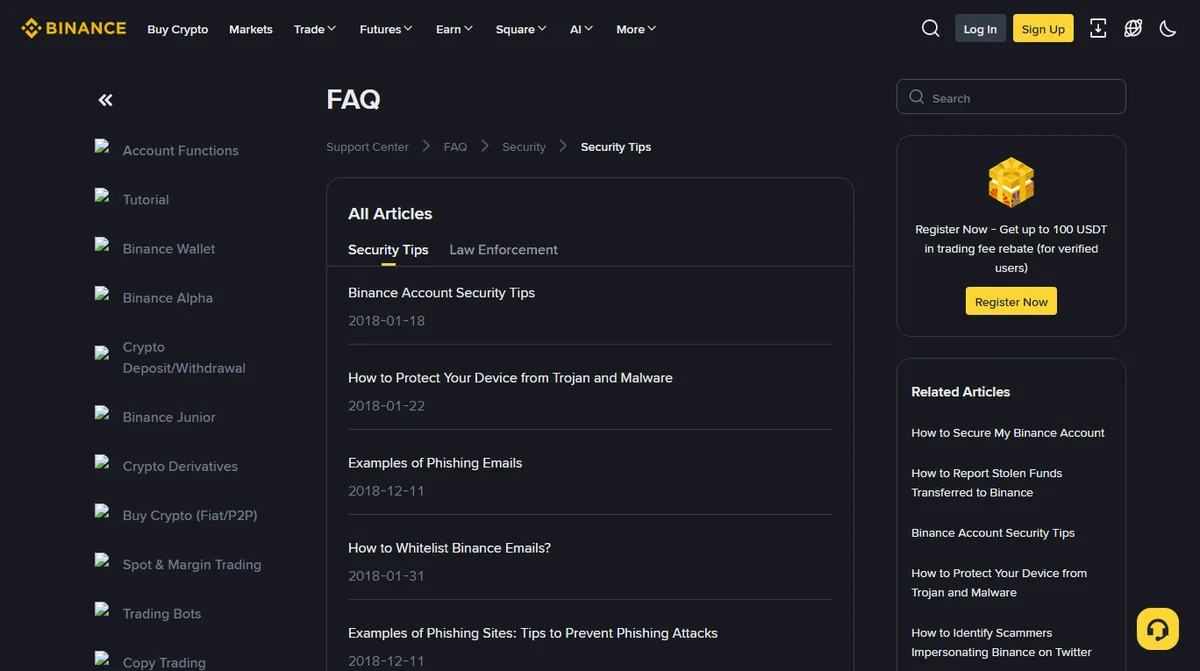
If the account has a withdrawal whitelist with a waiting period set on it, a newly added address cannot be withdrawn to until that period expires — on at least one major exchange the options are 24, 48 and 72 hours. That window is not a technicality. It is the difference between a theft you can stop and one you read about afterwards. Sign in, remove the address, and there is nothing left for them to withdraw to. Then check that the waiting period is still switched on: that exchange's help page says that once it is disabled, newly added addresses can be withdrawn to immediately.
If no such control was set, or it has been switched off, assume the withdrawal is already moving. Report it through the exchange's own support system, from inside the account, and say plainly that it was unauthorised access rather than describing it as a general problem. Include the transaction identifier and the destination address if you can see them. Speed helps here for one specific reason: if the funds land in another regulated platform, a fast report can support a freeze at that end. Once a transfer has confirmed on-chain, nobody can reverse it, and any offer to do so is the second approach rather than the solution.
Take screenshots of the withdrawal history, the login record and the device list before you start removing things. You will be asked for them, and the acts of cleaning up destroy the record of what happened.
If they had you install something or share your screen
Some of these calls go further than a code. The caller asks you to install a "security" or "support" app, or to share your screen so they can walk you through a fix. If that happened, the device is part of the incident, and the account work above belongs on a different one.
On a computer:
- Disconnect it from the internet first. That ends any remote session that is still open.
- Uninstall the remote-access tool they asked for. Then open the list of installed programs, sort it by date, and remove anything from that day you do not recognise.
- Check the extensions in every browser on the machine. An extension added during the call can read pages and swap addresses long after the call has ended.
- Treat every password typed on it since the call as known, and change those from another device: the exchange, the email, the password manager.
On a phone, look for a screen-sharing or remote-support app, and on Android for any app that was given accessibility access or device administrator rights during the call. Those permissions let an app read the screen and tap on your behalf, which is everything an attacker needs. Remove the permission, then the app.
If you cannot say with confidence what was installed, back up your documents and photos and reset the device to factory settings before you use it for money again. It costs an evening, and it is the only step that does not depend on you having spotted everything.
What not to do, and why each one backfires
Do not pay anything. No fee unlocks an account, reverses a transfer or accelerates a review. Paying the first one only tells them you will pay the next.
Do not post the details publicly. A description of a fresh loss, with an amount and a platform name, is precisely the signal that recovery approaches select for. Ask for help by all means, without the amount, the timing or the account.
Do not open three support cases. One clear case, answered promptly when they come back to you, is the quickest route there is.
Do not blame yourself into inaction. The scripts that produce this work on careful people, and they work because they are designed to. The useful response is the checklist above, not an inquest.
Once it is under control: stopping it happening again
Two changes are worth making while this is fresh, because they close the specific door that was used.
The first is to remove text-message verification as an accepted method, if it was one, and move to an authenticator app or a passkey. A passkey in particular cannot be read out over a phone, which removes this entire category of attack rather than mitigating it — there is nothing for you to say aloud.
The second is to set a withdrawal whitelist with the longest waiting period you can live with, if one was not already on. What you have just experienced is exactly the scenario that control exists for, and the cost of it — a day or more of delay when you add a new destination — will look very cheap for a while.
It is also worth a word with the people around you. The caller knew enough about you to sound plausible, and whatever list they found you on may have your partner, parents or flatmates on it too. Tell them the one rule that would have ended this call in the first ten seconds: nobody genuine ever needs a code read back to them, and a call you did not ask for gets hung up on, then checked from inside the account.
One last thing worth saying plainly. Read the next verification message you receive properly, while nothing is wrong. Where it names the action the code is for, and where it warns you not to share it, those are the two lines to find before you type a code anywhere. Nobody reads them in a calm moment, which is exactly why it is worth knowing where they sit before the moment when you are not calm.
Cancelling the code, and why quiet is not safe
Can a verification code be cancelled after I have given it away?
No. The code is consumed the moment it is used, and there is no way to withdraw one you have already read out. What you can do is invalidate the session it created and remove whatever it was used to add.
They only asked for one code and nothing happened. Am I fine?
Not necessarily. A single code is often used to add a device, a withdrawal address or an API key rather than to move money immediately, because a planted change survives the call and pays out later. Check those three lists rather than watching the balance.
The 24, 48 and 72 hour waiting-period options for newly added whitelist addresses, and the note that disabling that setting makes new addresses usable at once, come from the exchange's own withdrawal settings page, read in September 2026 and re-read on 3 October 2026; other platforms offer different windows or none. Everything else here describes a response procedure rather than any one platform's policy.